Reads well on a phone
Swipe to turn, pinch to zoom, one page at a time on small screens. No app to install.
Welcome to CynoFlip — turn your PDFs into page-turning flipbooks in seconds.
Get StartedTurn any PDF into a page-turning flipbook you can share with a link or embed on your site.
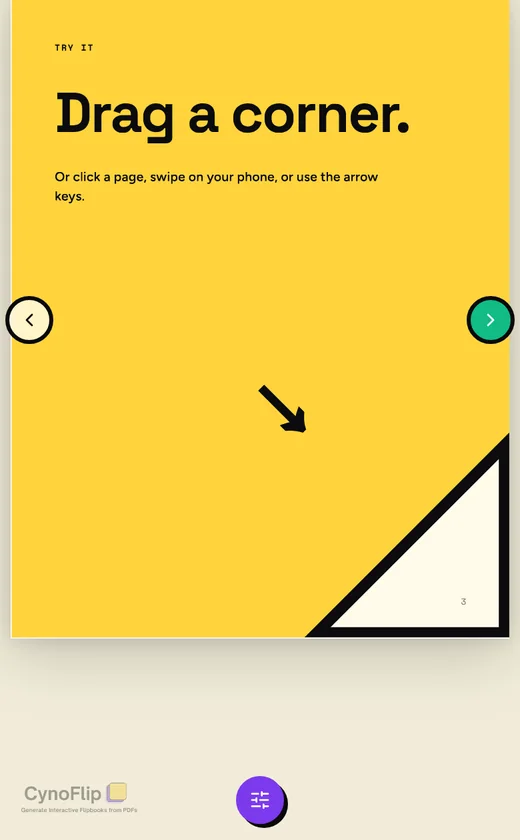
Swipe to turn, pinch to zoom, one page at a time on small screens. No app to install.
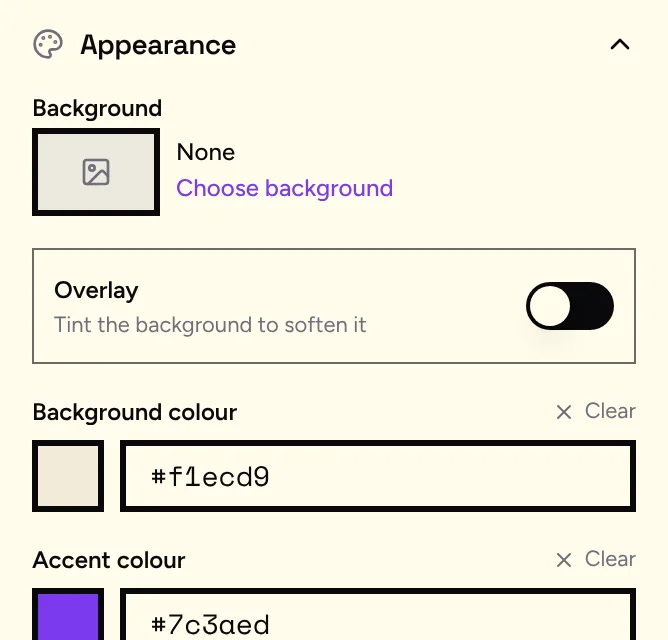
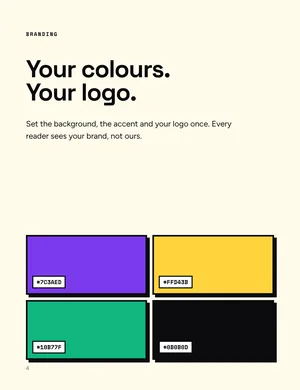
Set the background and accent colours and add your logo. Pro removes the CynoFlip watermark.
Every flipbook gets a short link, with a name of your choosing.
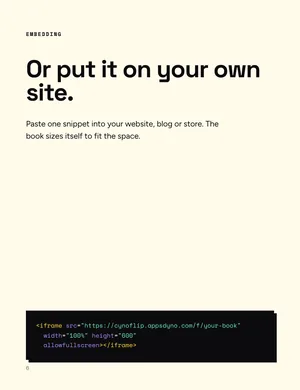
Paste one snippet into your website, blog or online store.
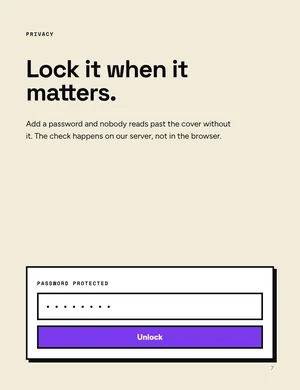
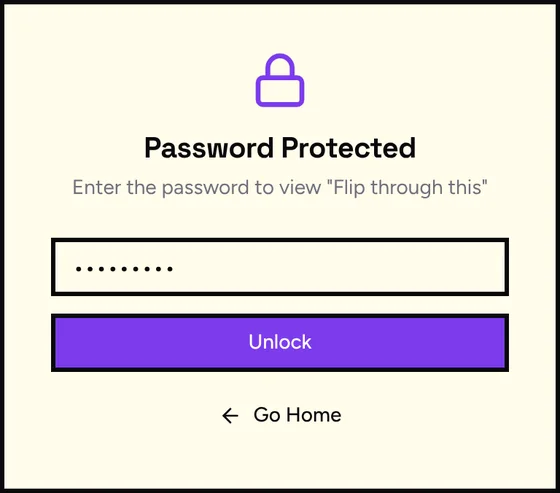
<iframe src="https://cynoflip.appsdyno.com/f/spring-lookbook" title="Spring lookbook" width="100%" height="600" style="border:0;max-width:100%" allow="fullscreen" allowfullscreen loading="lazy"></iframe>Readers enter a password before the first page. We check it on our server.
Covers open on their own, inner pages sit side by side, and every page keeps your layout and fonts.
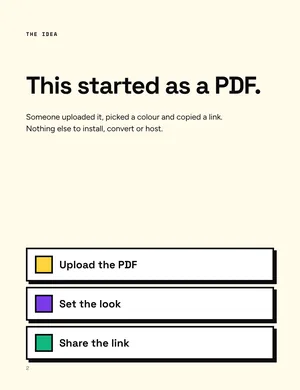
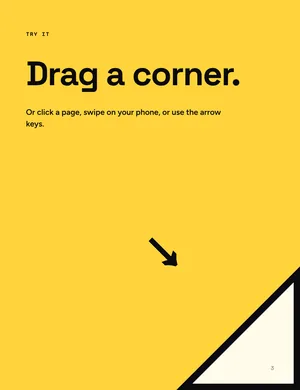
Drag a file in or browse for it. Up to 10MB, and up to 20 pages on the Free plan.
Pick the background and accent colours, add your logo and decide whether it needs a password.
Copy the link or the embed snippet. Views start counting as soon as people open it.
Enough to see whether flipbooks land with your readers.
For documents that carry your name on them.
Three flipbooks free, no card needed. Upgrade when you want unlimited pages and your own branding.